
Screenshots
App details
- Updated
- 2025-03-26T02:18:32.8443041Z
- Requires
- Windows 10 version 17763.0 or higher
- Language
- English
- Developer
- It was developed by Nicat Natiq oğlu Şir...
- Category
- Mobile
SoftPas in:
This product is also available in the following languages:
About NS_Hesabatlar
Download NS_Hesabatlar – report automation, data management, accounting software, business reports, access database, error reduction, productivity tool, small business, tax reporting, educational institutions
Overview
NS_Hesabatlar is a productivity-focused software solution designed to streamline report preparation and enhance data management across diverse professional environments. Targeted at small and medium-sized enterprises, accounting departments, government offices, and educational institutions, the application aims to reduce manual workload by automating repetitive tasks such as report generation and data entry. By minimizing the risk of human error, NS_Hesabatlar supports accuracy and consistency in critical operations, particularly in compliance-driven fields like tax reporting and financial recordkeeping.
The software leverages Access files for structured data handling, enabling users to build customized data models that align with specific business or institutional needs. This adaptability makes it suitable for a broad range of use cases, from managing internal financial summaries to preparing standardized reports for regulatory bodies. Although the developer did not provide additional background on N_S_Hesabatlar, the app’s focus on automation and reliability suggests a targeted approach to improving operational efficiency in data-intensive workflows.
As part of the growing ecosystem of digital productivity tools, NS_Hesabatlar fills a niche by offering a lightweight, accessible solution for users seeking to optimize their reporting processes without requiring advanced technical expertise. Its free availability further increases its accessibility, making it a valuable utility for budget-conscious organizations and individuals managing complex data tasks.
Key Features & Functionality
- Automated Report Preparation: NS_Hesabatlar streamlines the creation of standard and custom reports by eliminating manual data entry. Users can generate financial summaries, tax documents, or institutional records with a few clicks, significantly reducing processing time and human involvement.
- Flexible Data Management: Built to work with Access database files, the software allows users to import, organize, and process data in a structured format. This supports the development of tailored data models, enabling adaptation to unique workflows in accounting, education, or public administration.
- Error Minimization: By standardizing data processing and report generation, the software reduces inconsistencies caused by manual input. This ensures that outputs remain uniform and reliable, which is essential for audit readiness and regulatory compliance.
- Multi-Sector Compatibility: Designed for broad applicability, NS_Hesabatlar can be used in accounting departments, small business operations, government tax reporting units, and educational record systems. Its versatility enhances its utility across different organizational structures.
- User-Friendly Interface: The application features an intuitive layout that simplifies navigation and task execution. Even users with limited technical experience can perform complex operations efficiently, reducing the need for extensive training or support.
For example, an accounting clerk can use NS_Hesabatlar to automatically compile monthly financial reports from raw transaction data, while a school administrator might generate student performance summaries across multiple classes using pre-defined templates. These real-world applications highlight the software’s practical value in enhancing productivity and data integrity.
Interface, UX & Performance
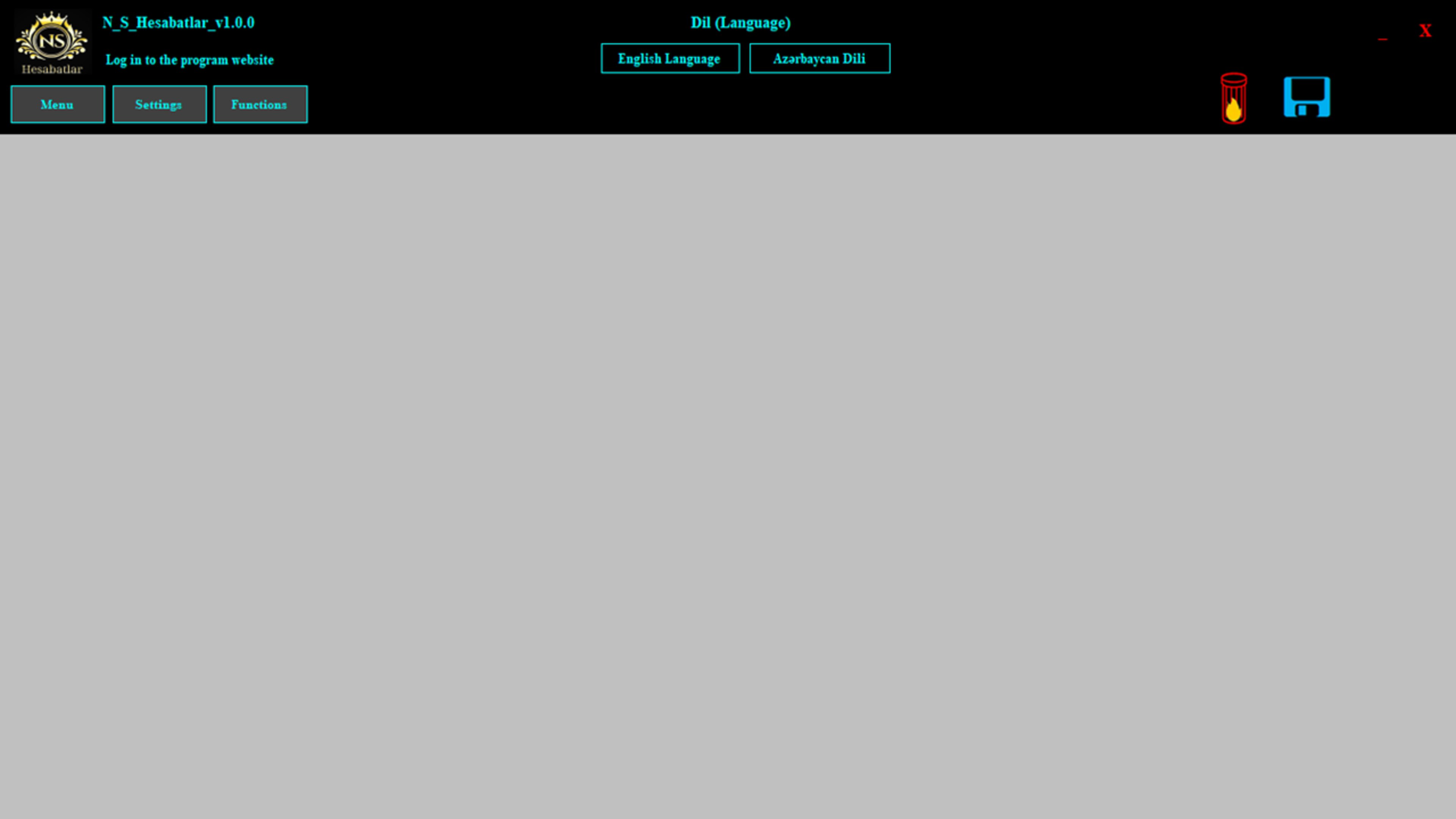
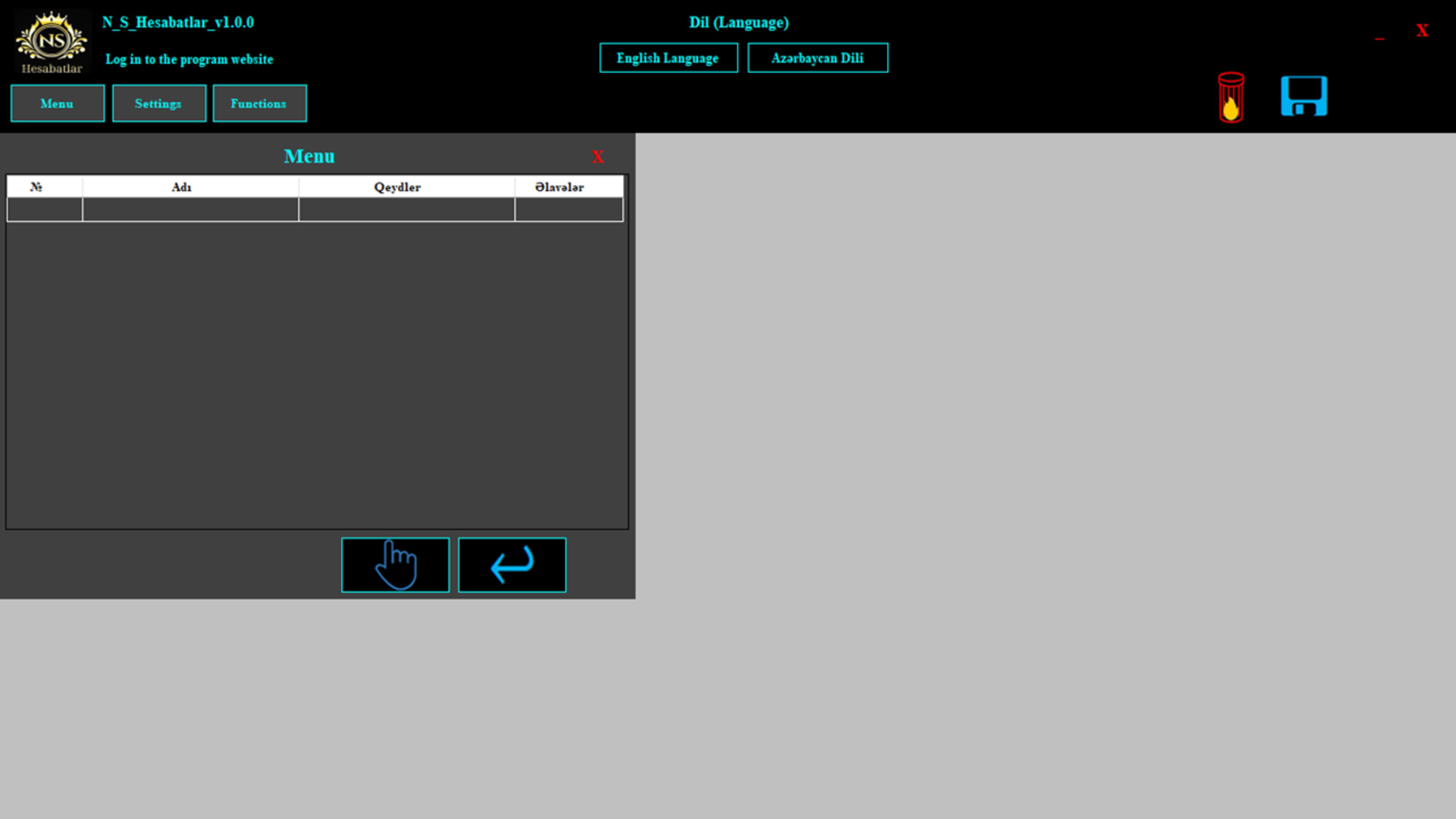
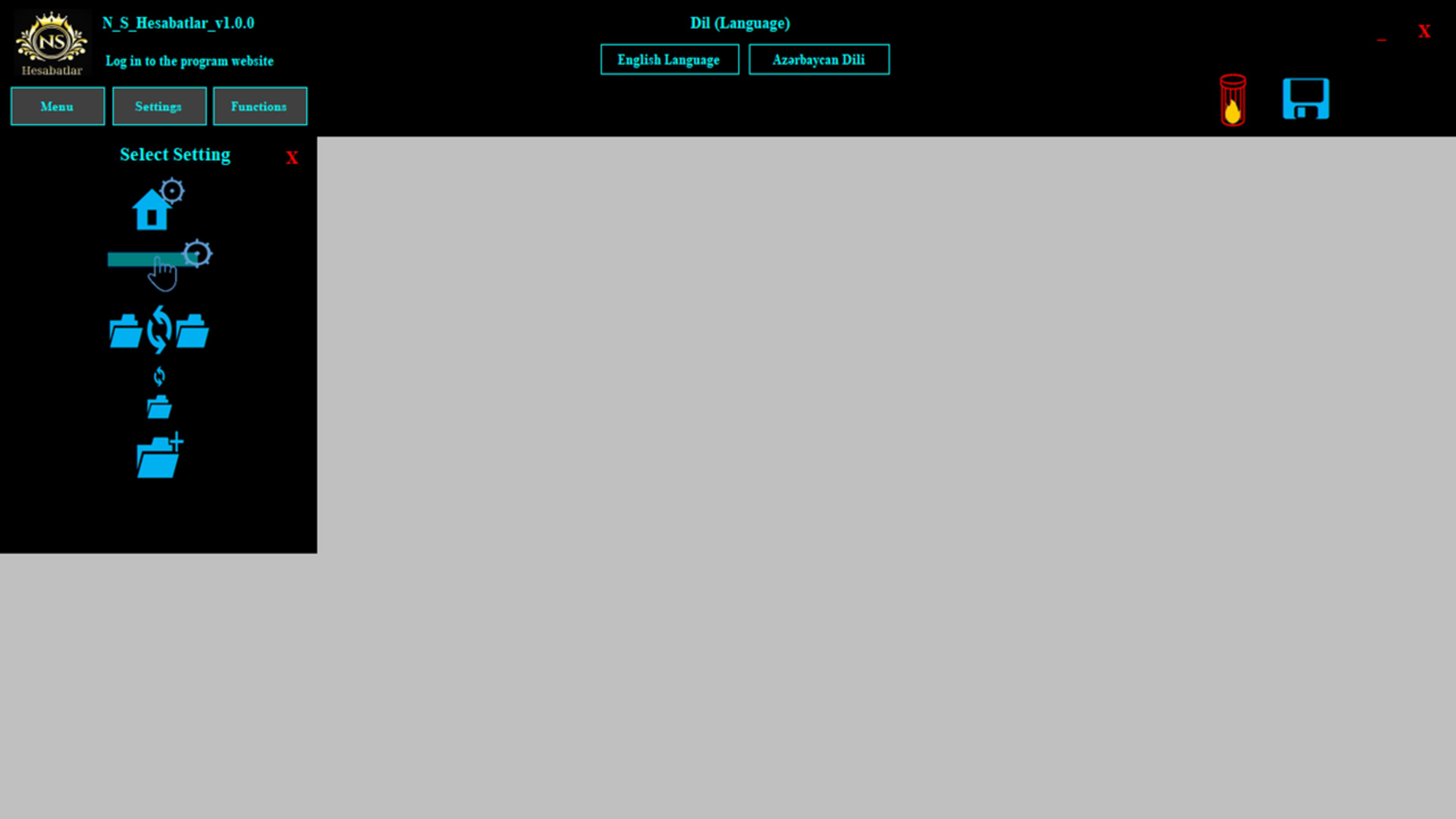
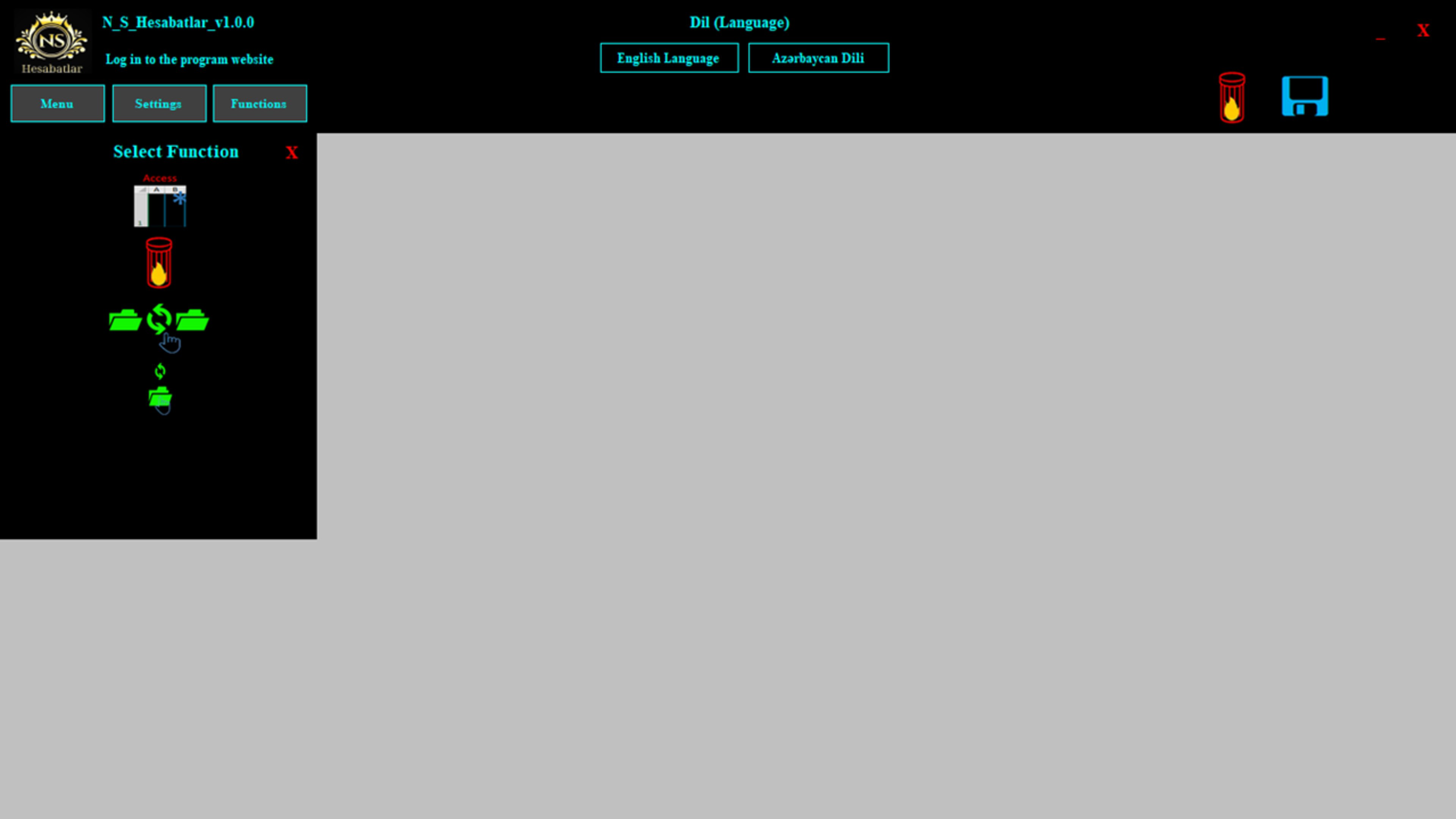
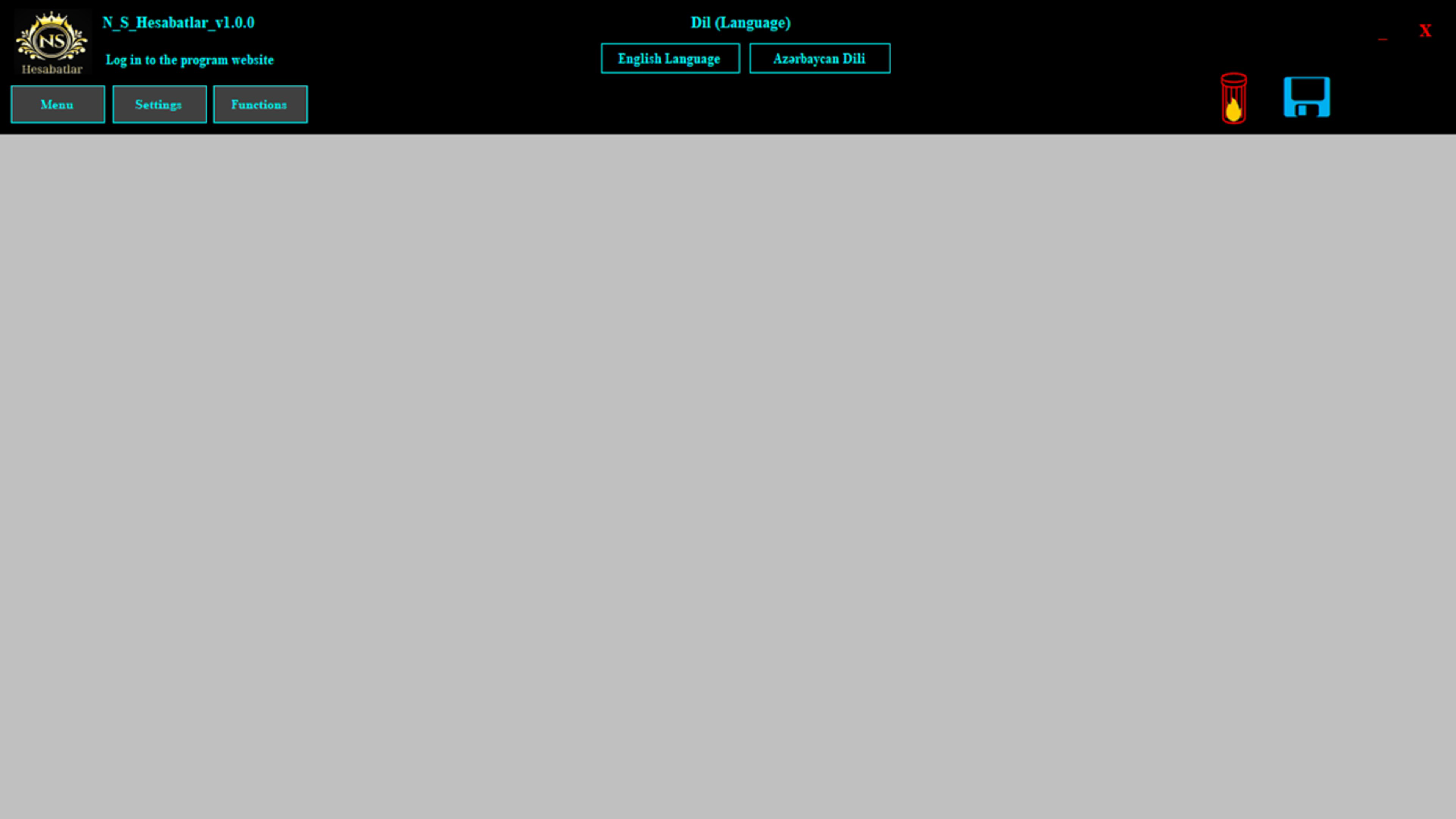
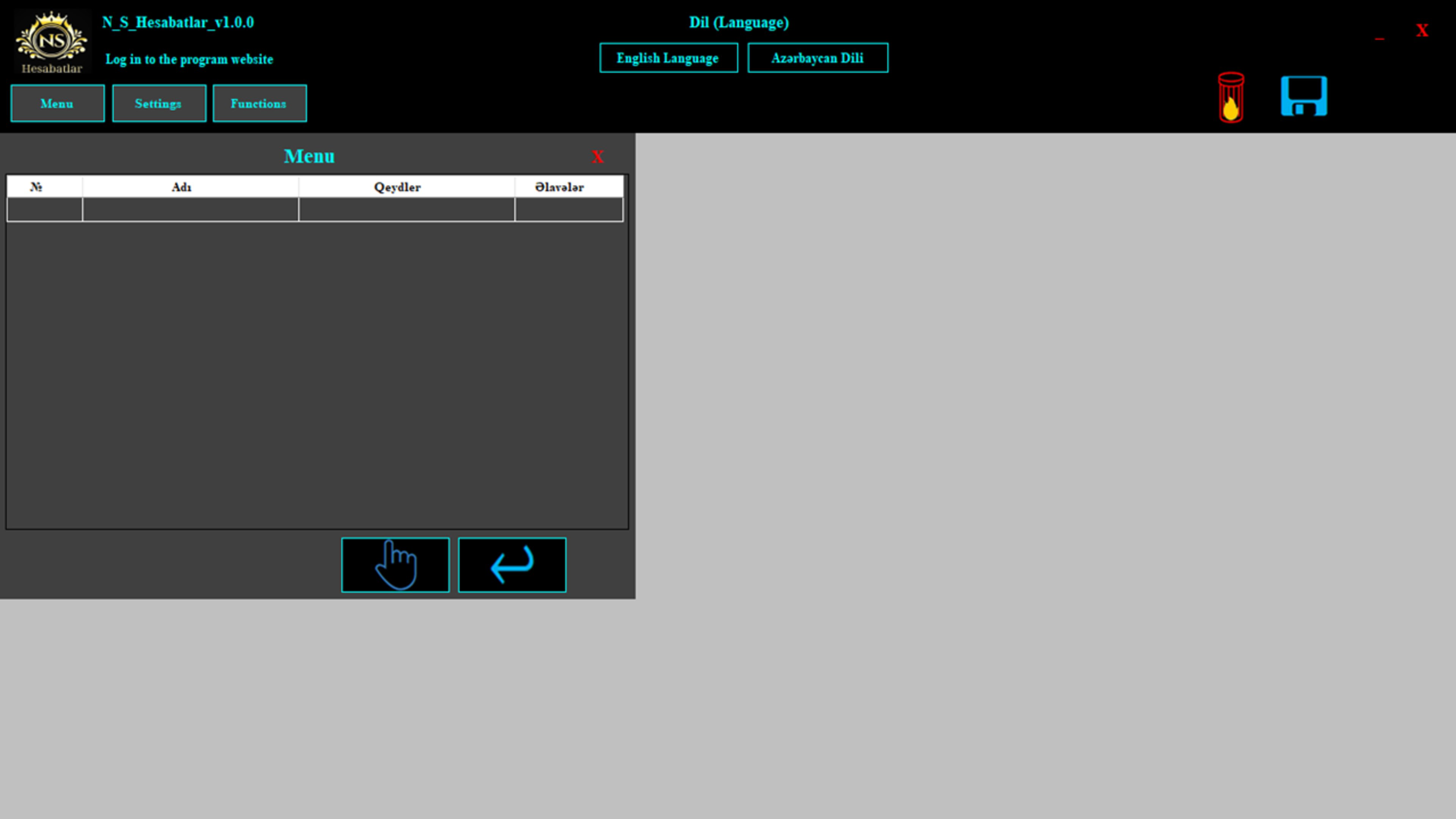
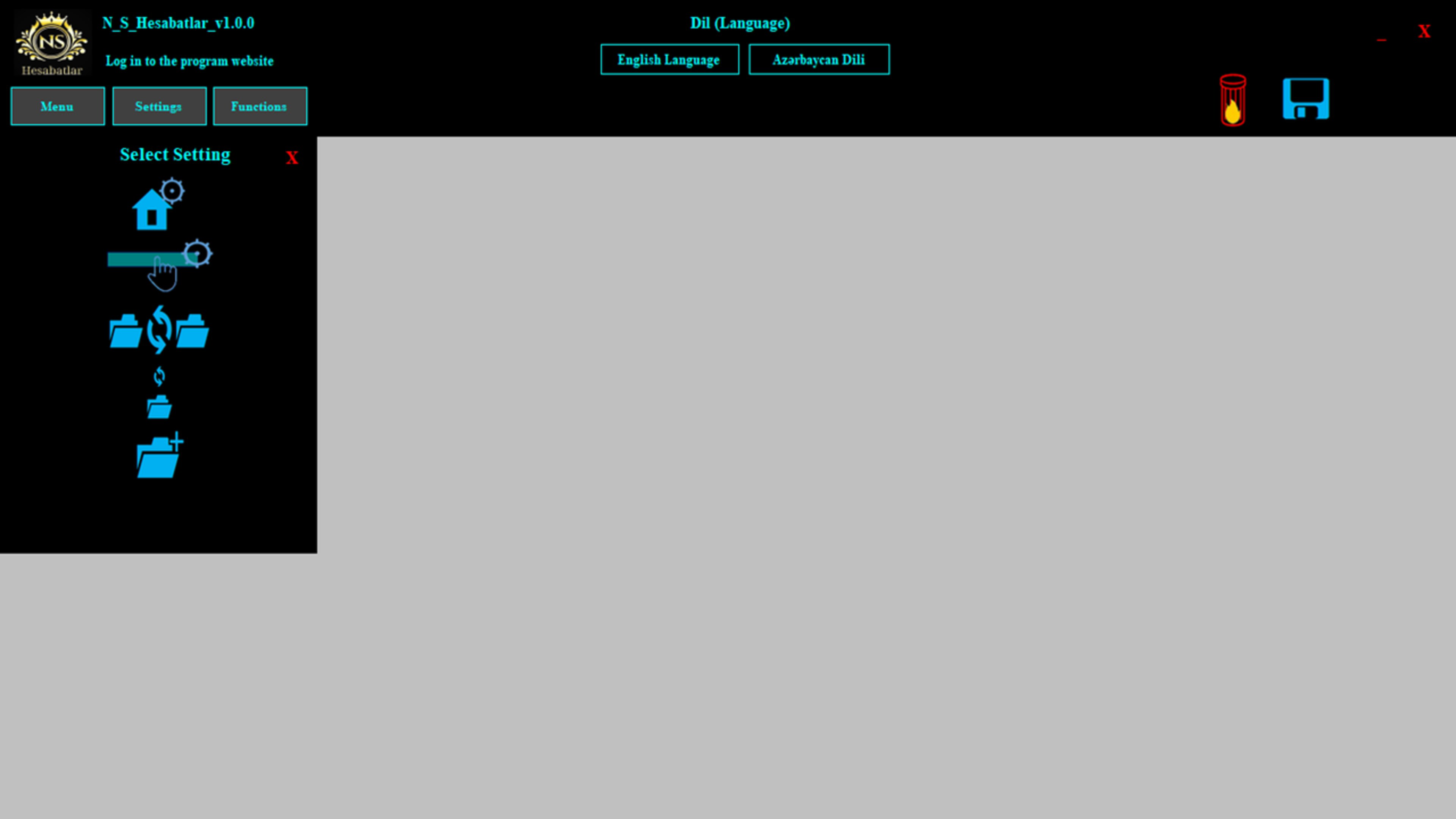
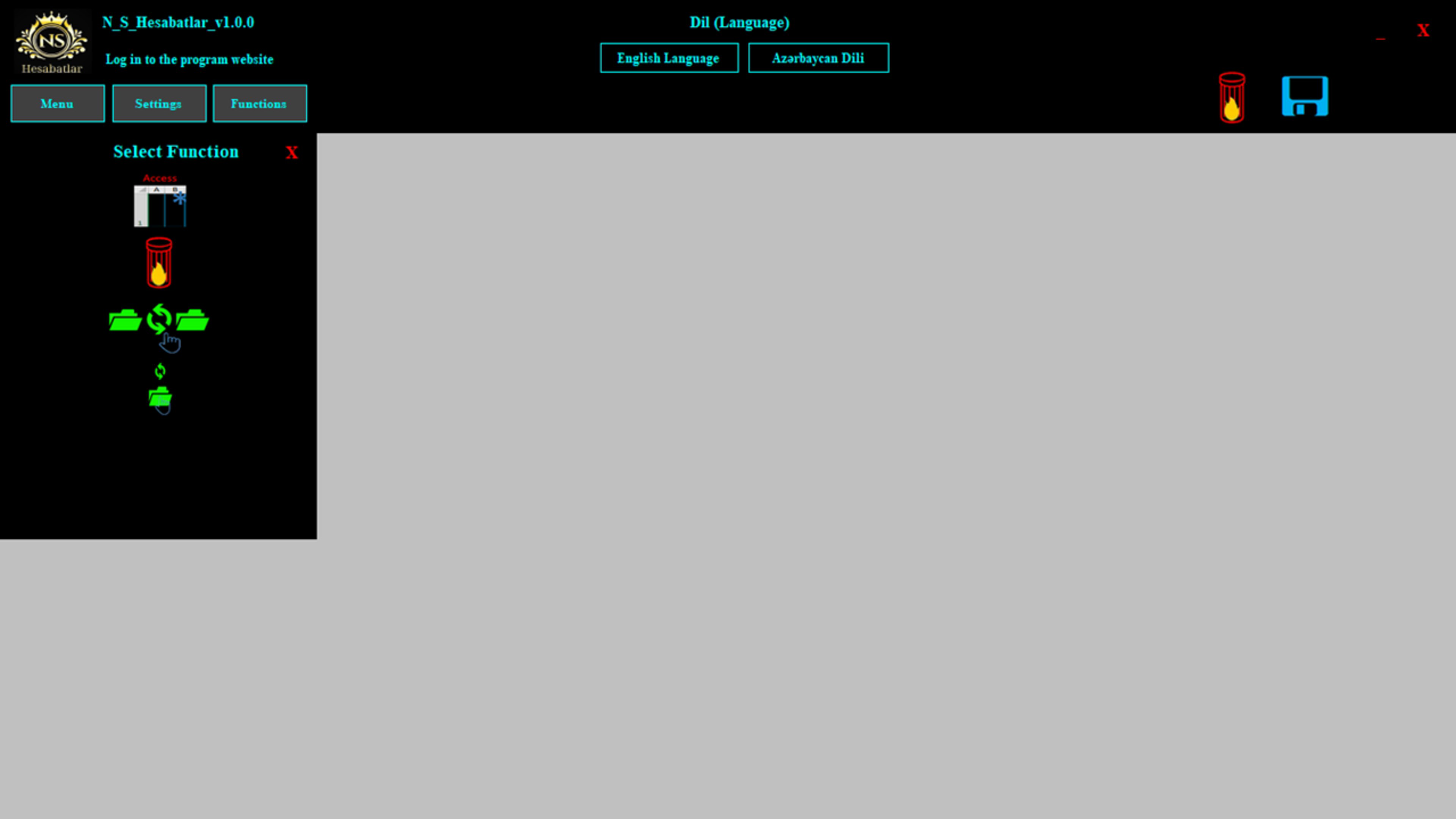
NS_Hesabatlar presents a clean, functional interface designed to prioritize usability. The layout appears optimized for desktop workflows, with clearly labeled sections and logical navigation paths. Users can access report templates, data import tools, and configuration settings through a centralized dashboard, promoting efficient task management.
Although the developer did not list formal performance metrics, the software’s lightweight footprint of 24.5 MB suggests it is optimized for quick loading and minimal system resource consumption. This makes it suitable for use on standard Windows machines without requiring high-end hardware. Responsiveness across different screen sizes and resolutions appears to be consistent, though specific device compatibility details were not disclosed.
Stability during operation is implied by the app’s focus on error reduction and automation. However, no information was provided regarding crash rates, update frequency, or long-term reliability under heavy usage. Users are advised to monitor for updates to maintain optimal functionality, especially if integrating the software into critical workflows.
Platform Compatibility & Technical Requirements
NS_Hesabatlar is designed for the Windows operating system. The current version, 1.0.0, has a file size of 24.5 MB, indicating a compact and lightweight installation. The developer did not specify minimum OS requirements or compatibility with specific Windows versions, such as Windows 10, 11, or earlier releases.
Given the software’s reliance on Access database files, users should ensure that Microsoft Access or a compatible database engine is available on their system. Without this dependency, certain features may not function as intended. Compatibility with 32-bit versus 64-bit systems was not clarified in the provided information.
For users seeking to install or update the software, the absence of official platform-specific details necessitates caution. It is recommended to verify system compatibility before proceeding with installation, particularly in enterprise or multi-device environments.
Pros and Cons
Pros
- Free to download and use, reducing entry barriers for small organizations and individuals.
- Automates report generation, saving time and reducing manual effort.
- Supports flexible data handling through Access database integration.
- Designed with a user-friendly interface for ease of adoption across skill levels.
- Applicable across multiple sectors, including accounting, education, and government reporting.
Cons
- Platform is limited to Windows; no information on iOS or Android availability.
- Specific system requirements were not disclosed, which may affect installation planning.
- Reliance on Access files may limit usability for users without database access.
- No details on update frequency or long-term maintenance plans.
- Performance on older or low-spec systems was not confirmed.
FAQ
Is NS_Hesabatlar available for Android or iOS?
The developer did not provide information on mobile platform availability. The current release is designed for Windows systems.
Can I use NS_Hesabatlar without Microsoft Access?
Since the software relies on Access database files for data management, it likely requires Access or a compatible database engine to function fully. Users should verify system compatibility before installation.
Is NS_Hesabatlar secure for handling sensitive financial data?
While the software emphasizes error reduction and data consistency, the developer did not disclose specific security measures such as encryption, user authentication, or data protection protocols.
How often is NS_Hesabatlar updated?
Update frequency was not specified in the provided information. Users should check official sources for the latest version and patch details.
Does NS_Hesabatlar require a license or subscription?
NS_Hesabatlar is currently free to use. No subscription or licensing model was mentioned in the release details.
Final Thoughts
NS_Hesabatlar presents a practical, no-cost solution for professionals seeking to automate report preparation and improve data accuracy. Its focus on reducing human error and supporting diverse use cases makes it a compelling tool for small businesses, educators, and accounting teams. The intuitive interface lowers the learning curve, while the integration with Access databases enables tailored data workflows.
While limitations exist—particularly around platform availability and technical requirements—the app’s lightweight design and free access enhance its appeal. For users operating within Windows environments and needing efficient, reliable reporting tools, NS_Hesabatlar offers a solid value proposition.
Download NS_Hesabatlar now
Guides & Tutorials
How to install NS_Hesabatlar
- Click the Download button above.
- Once redirected, accept the terms and click Install.
- Wait for the NS_Hesabatlar download to finish on your device.
How to use NS_Hesabatlar
This software is primarily used for its core features described above. Open the app after installation to explore its capabilities.
User Reviews
No reviews yet. Be the first to share your experience.
You may also like
more
Que no te pillen¡
About !Que no te pillen¡Reviewed by Jason A. BilbreyShow MoreShow Less

3D Combat Zone
About 3D Combat ZoneOriginally released in 1983, 3D Combat Zone immerses players...

666: El día del portal
About 666: El día del portalOn June 6, 2006, Agent P. Stone uncovers a sinister...

80 in 1 Best Flash games
About 80 in 1 Best Flash games 80 in 1 Best Flash games is a collection of 80 fl...

ABYSS SEEKERーーWhat Do You See Deep in The Abyss
About ABYSS SEEKERーーWhat Do You See Deep in The AbyssIn ABYSS SEEKER, players...

ACA NEOGEO THE KING OF FIGHTERS 2002 for Windows
About ACA NEOGEO THE KING OF FIGHTERS 2002 for WindowsTHE KING OF FIGHTERS 2002,...